Veraccess Software
Tango Touch
Tango Touch enables blind and low-vision users, and others, to learn the keyboard with speech support and large, clear, adjustable text.
Tango Touch has been available since the late 1990s and has built a broad user base among blind and low-vision users while being developed continuously.
Features
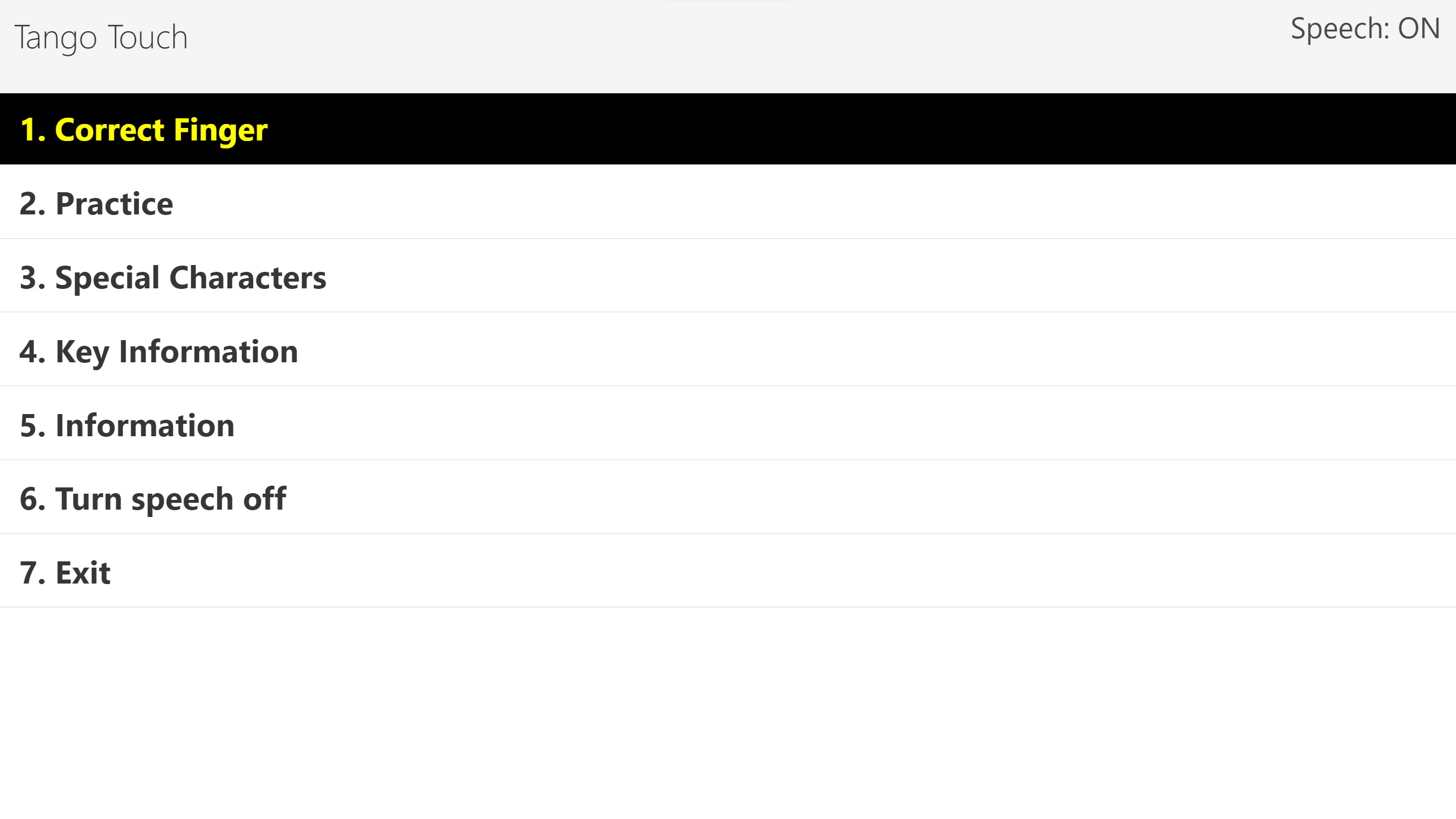
- 01Keyboard control
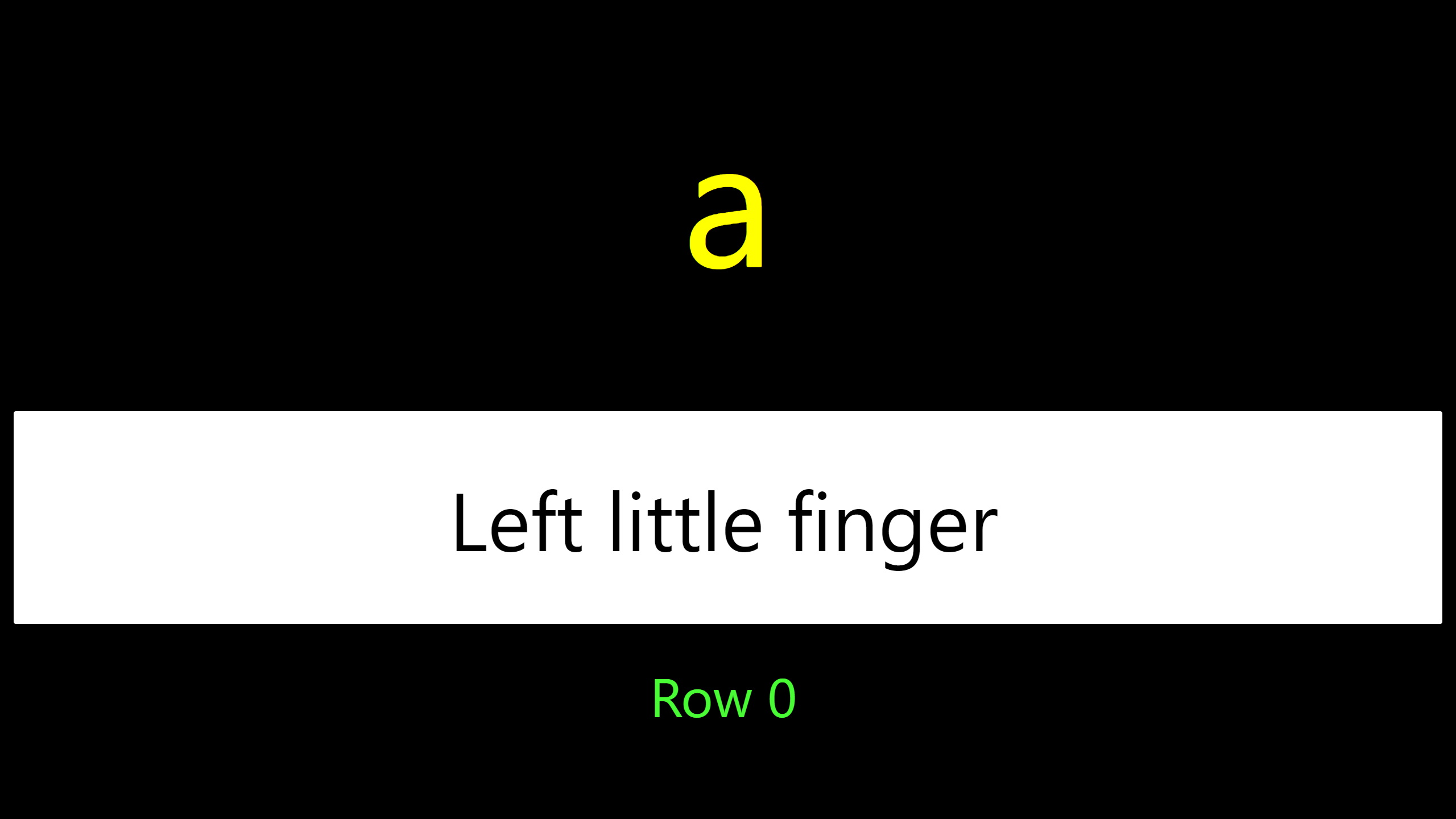
Training is based on the touch method and helps users learn key positions while building speed and accuracy.
- 02Speech support
Built-in speech guides users through the exercises, so no additional speech synthesizer is required. Speech can be turned off.
- 03Exercises and training
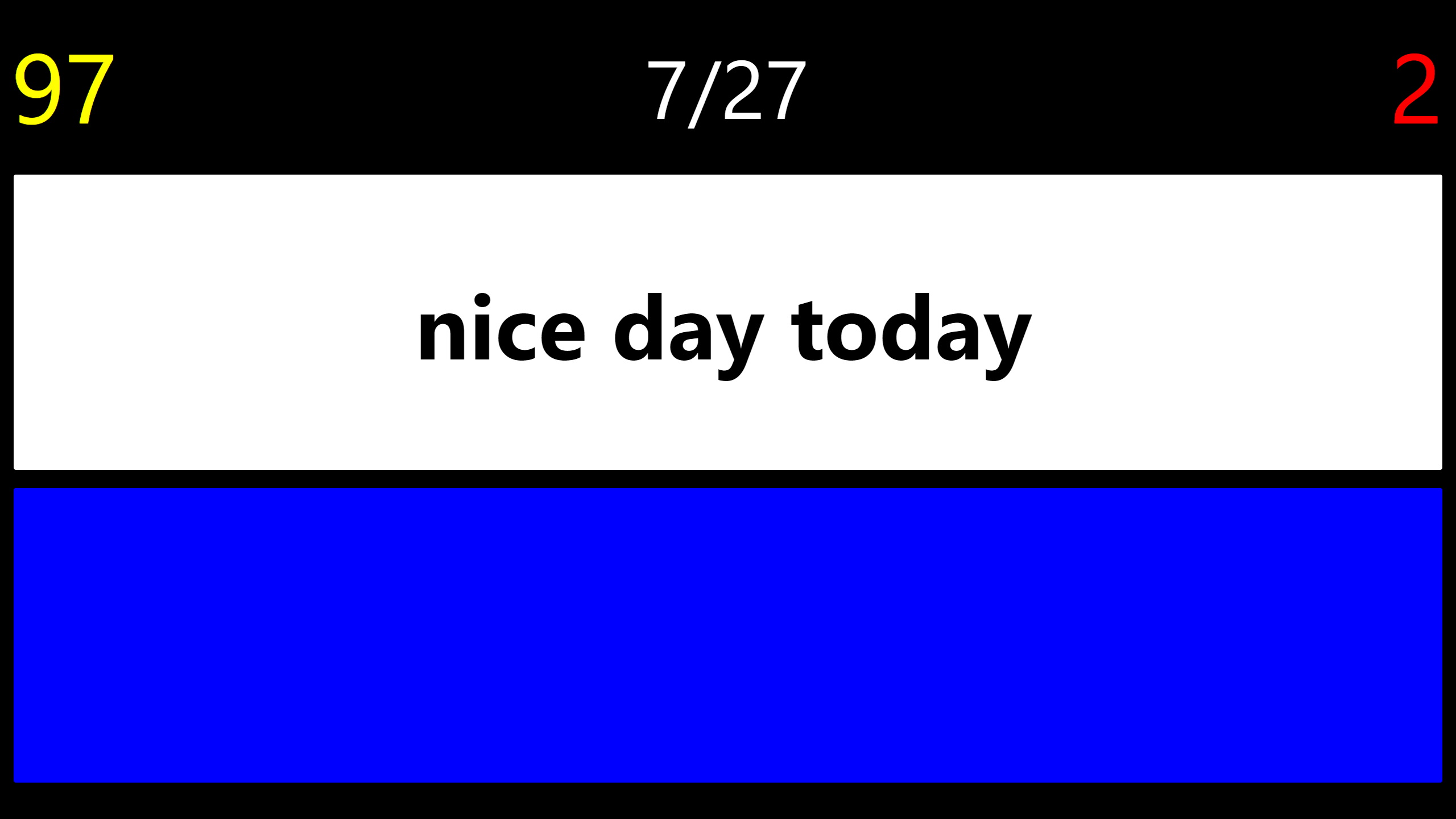
The program includes a broad range of exercises and tests for users at different skill levels.
- 04Large, clear text
Text size and display can be adjusted to suit the user, and settings are saved for the next session.
- 05Special keys
Special keys are practised in a dedicated section. If a key is difficult to find, Space can be used to skip it and continue.
Screenshots
Veraccess Software
Enquiries
Enquiries can be sent to order@veraccess.com.