Veraccess Software
Tango Kids 2
Tango Kids 2 is a child-focused version of Tango Touch designed to make learning a standard keyboard clear, engaging and increasingly independent.
Tango Kids 2 is currently available in Swedish for Windows 10 or later and macOS 10.12 or later.
Demos and manuals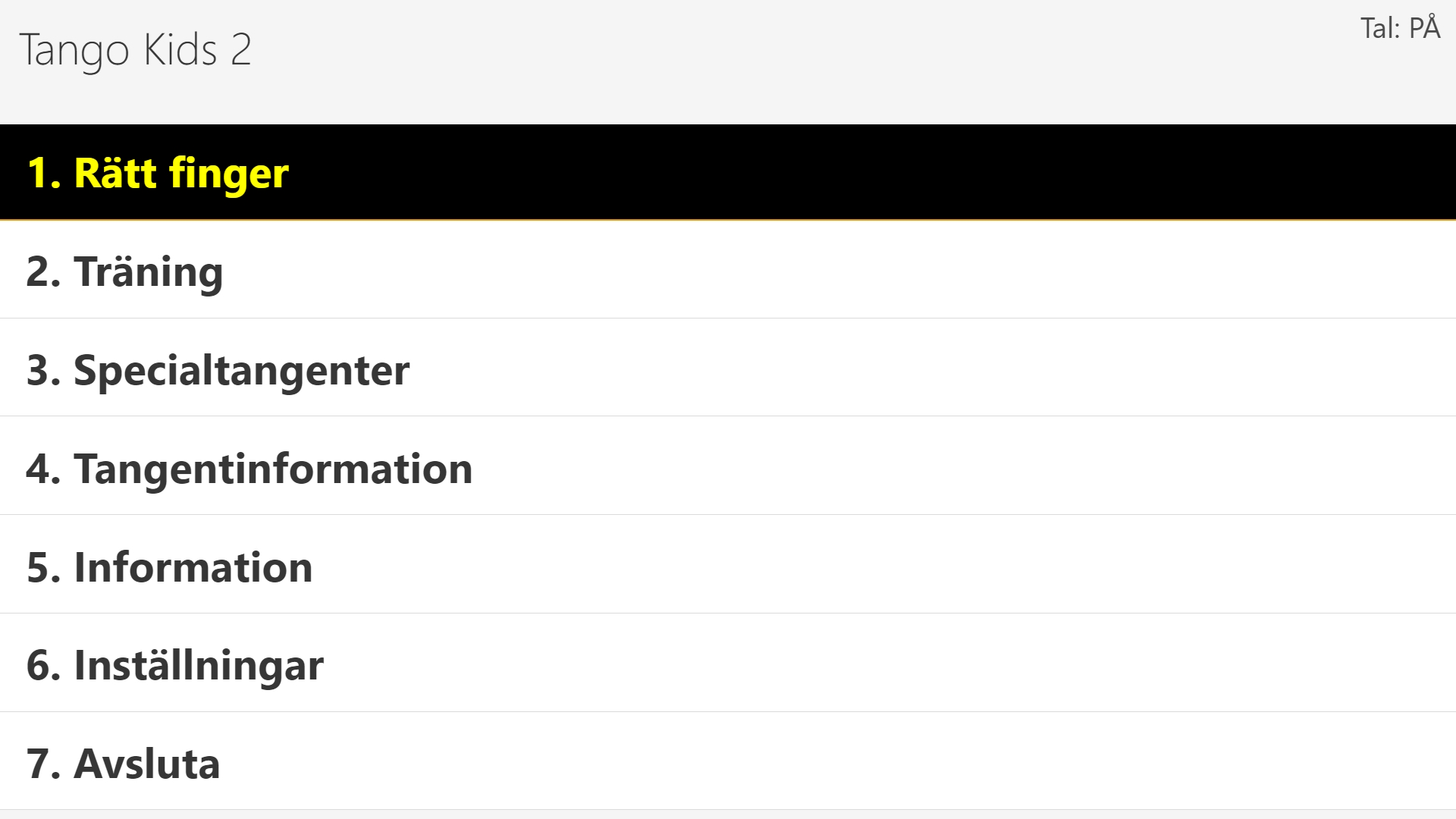
Features
- 01Shorter exercises
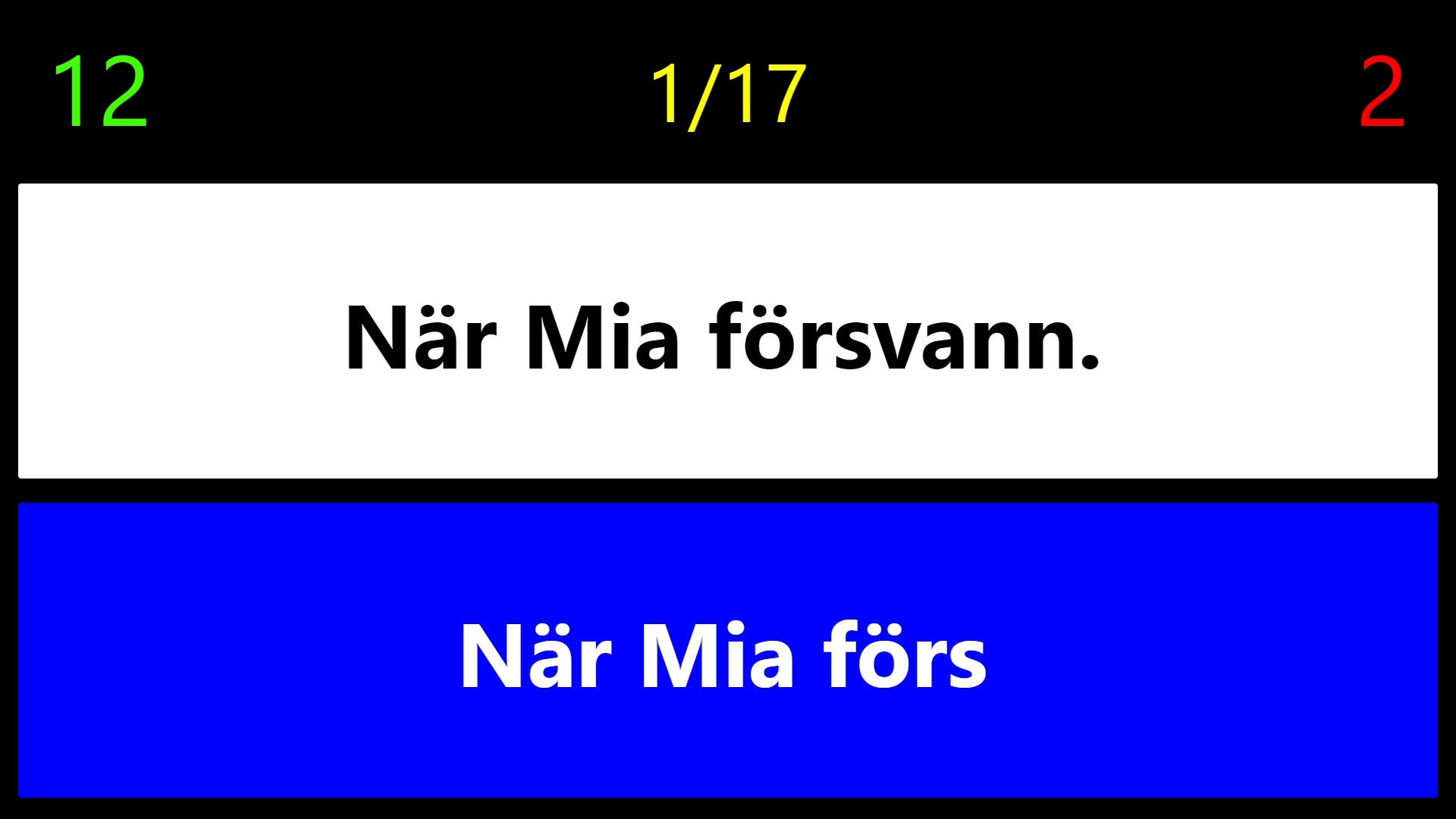
Exercises contain no more than 20 steps, keeping the training manageable. Sound effects are used sparingly, the remaining steps stay visible and an audio cue marks the halfway point.
- 02Independent practice
After a thorough introduction from a teacher or helper, children can continue independently. Training uses the touch method and supports confidence and independence.
- 03Speech that can sound out letters
Tango Kids 2 includes built-in speech and multiple voices. One voice variant can also sound out letters, and speech support can be enabled or disabled.
- 04Adjustable and easy to use
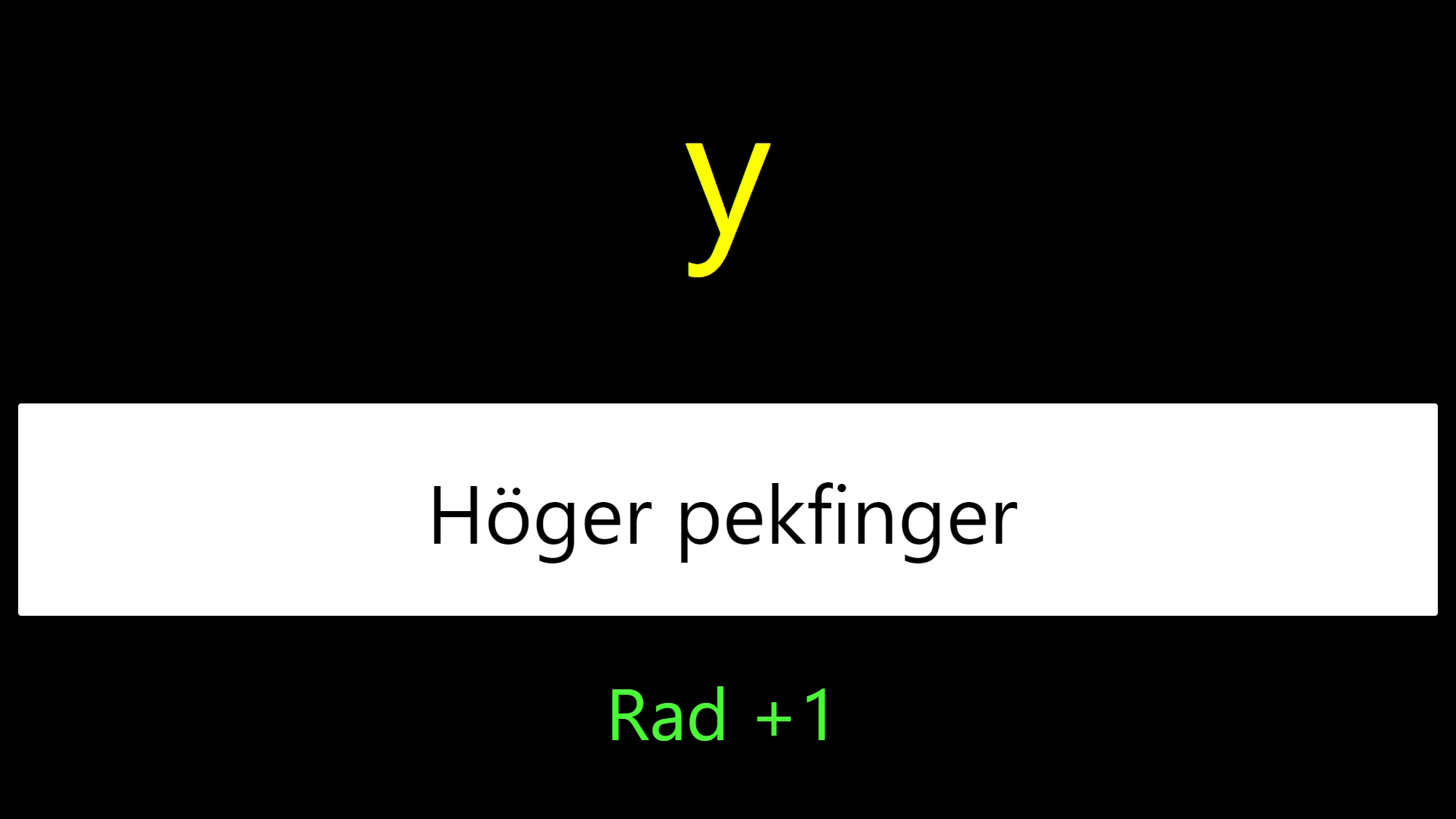
Colour schemes and text size can be adjusted. In training mode, the full sentence is read first and then each letter as the child types, and F4 repeats the sentence. Longer practice texts can be replaced and the keyboard layout can be selected. Settings are saved automatically.
Screenshots
Veraccess Software